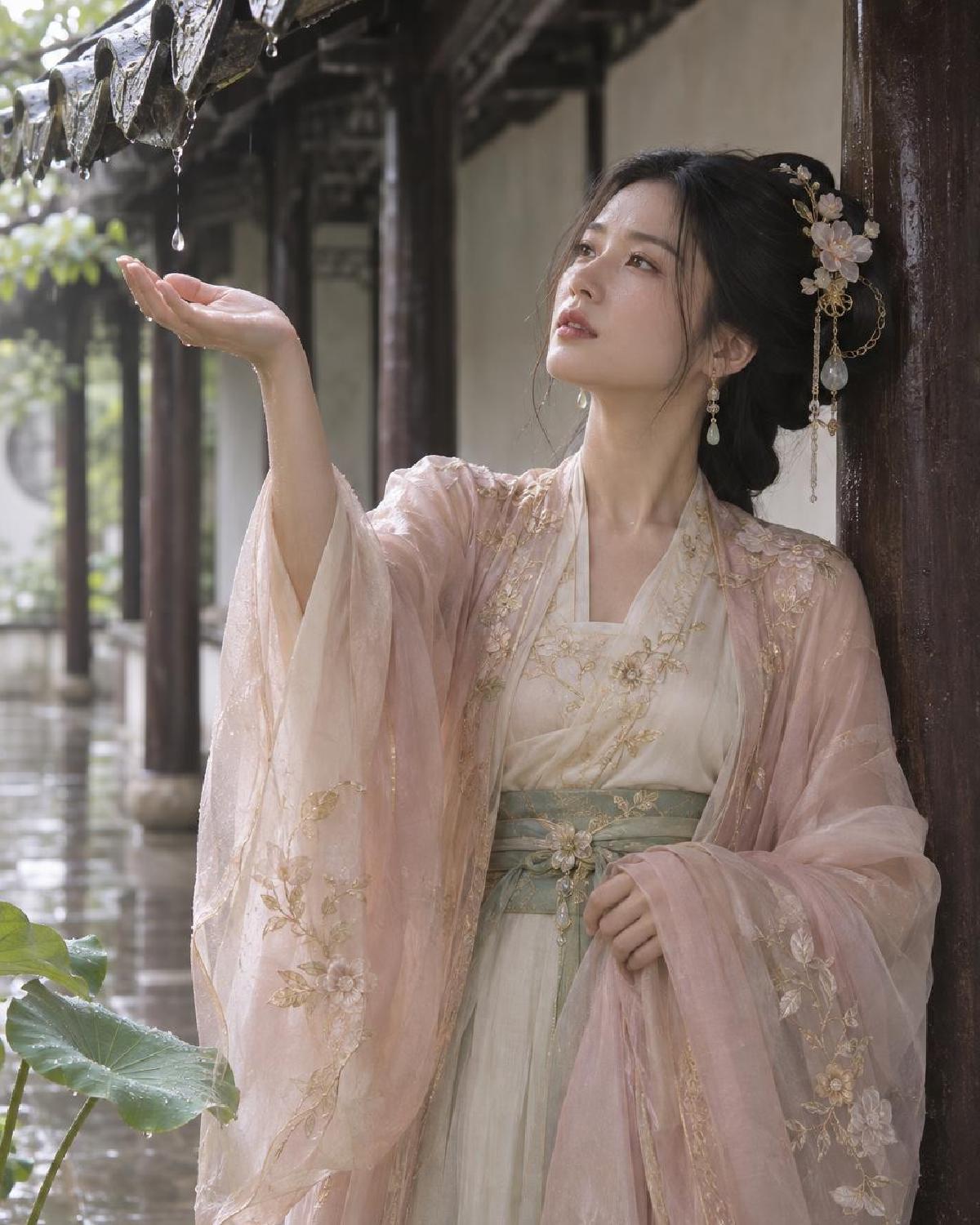
同一提示词、同一把 Lucoo 官方 Key,实测 GPT Image 2.6 的两款模型。接口是 https://lucoo.ai/v1/images/generations,模型名为 openai/gpt-image-2.6-sunburst 和 openai/gpt-image-2.6-flare。上一篇 2.5 的测试见 GPT Image 三款模型画质档位实测。
先看结论 #
日常成图用 high。两款 2.6 都支持 low、medium、high、xhigh、max 五档,20 次请求全部成功,没有 400,也没有被审核拦截。
两款的差别主要在速度,不在画质:
- Flare 快得多。 1024×1280 high 约 10 秒,4K max 约 31 秒。
- Sunburst 慢 2–4 倍。 1024×1280 high 约 40 秒,4K max 约 100 秒。
- 同一尺寸、同一档位,两款返回的输出 token 数几乎一样,按官方价算,单张费用相同。
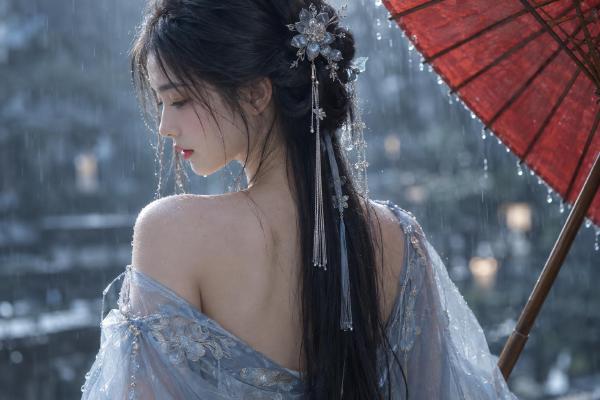
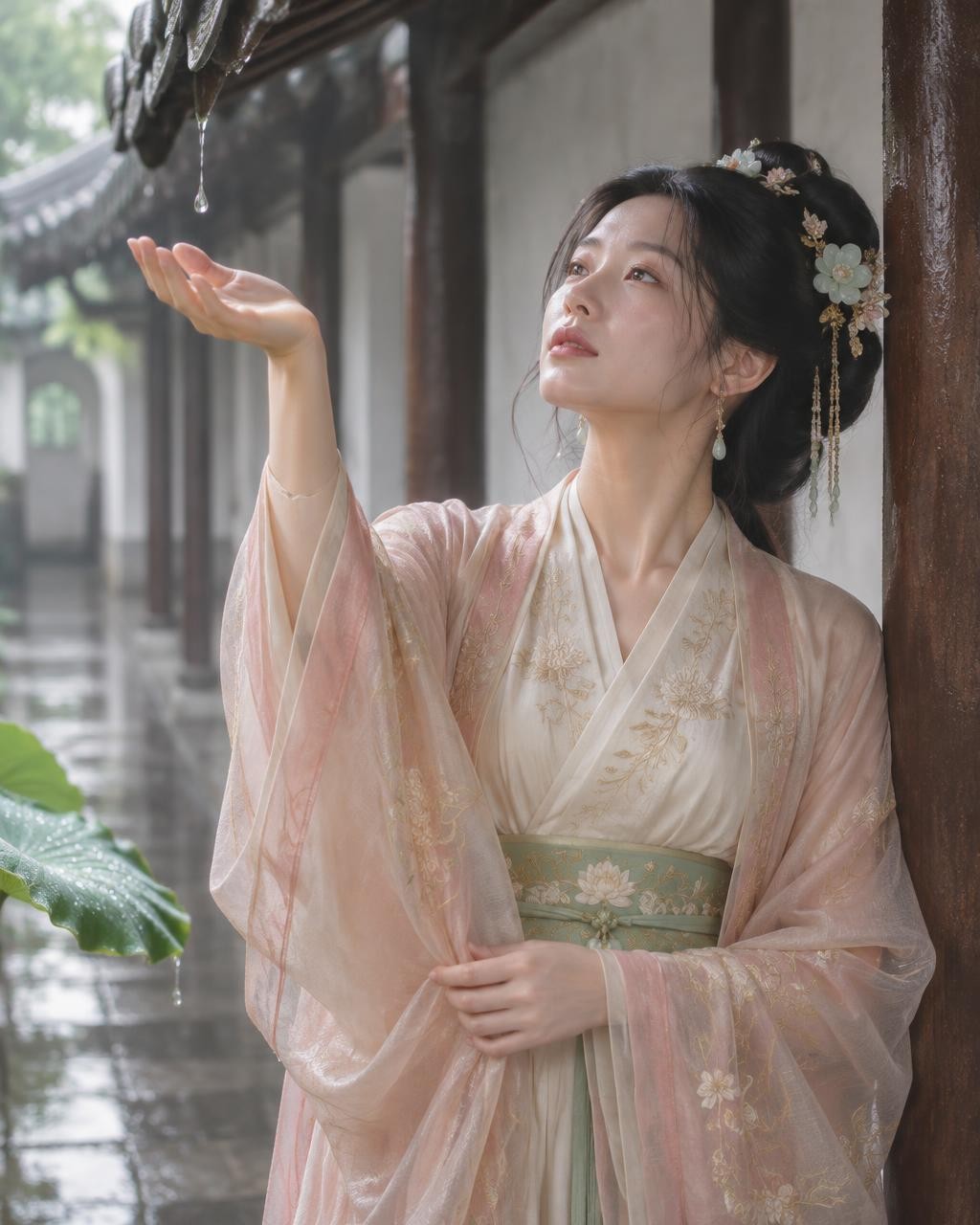
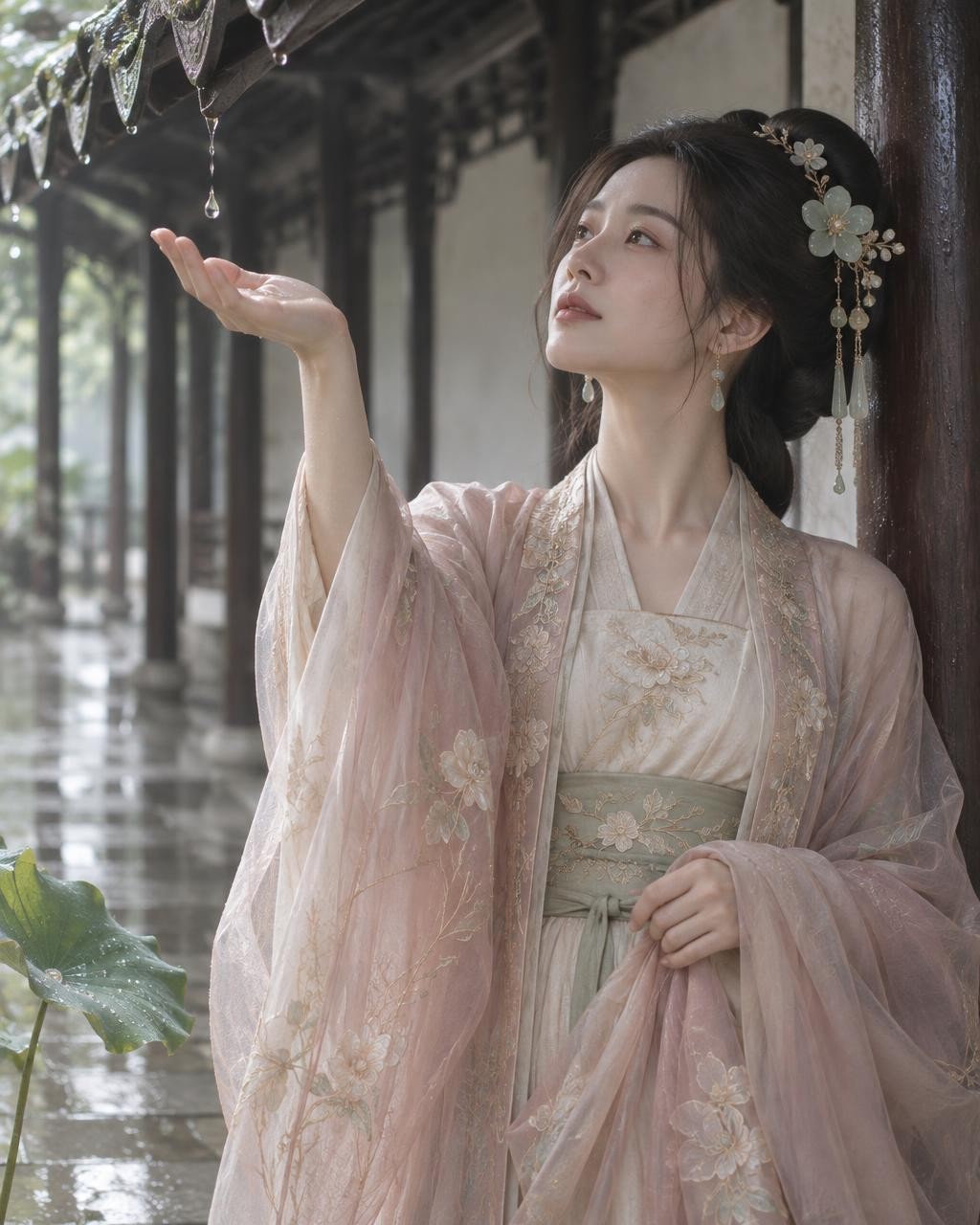
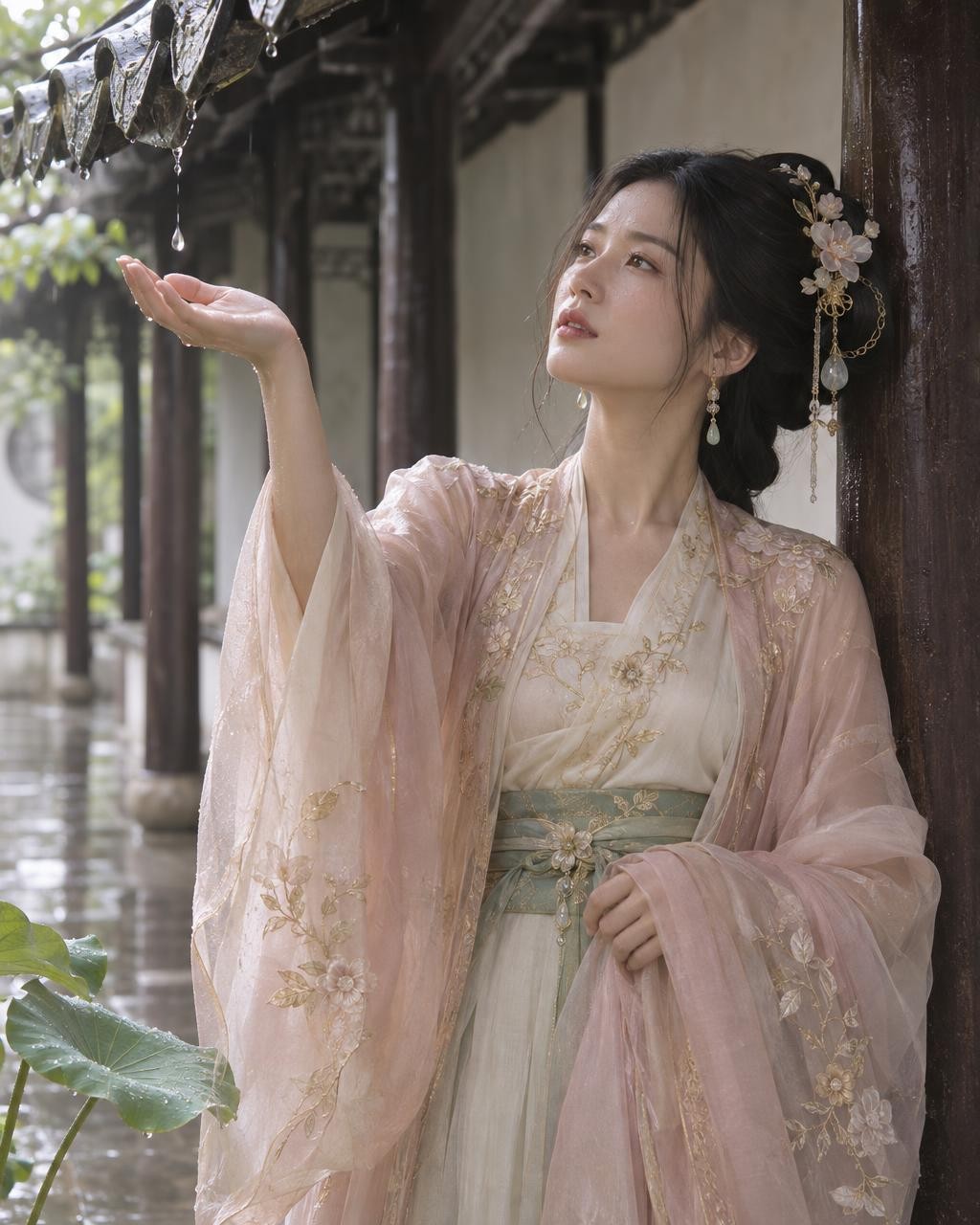
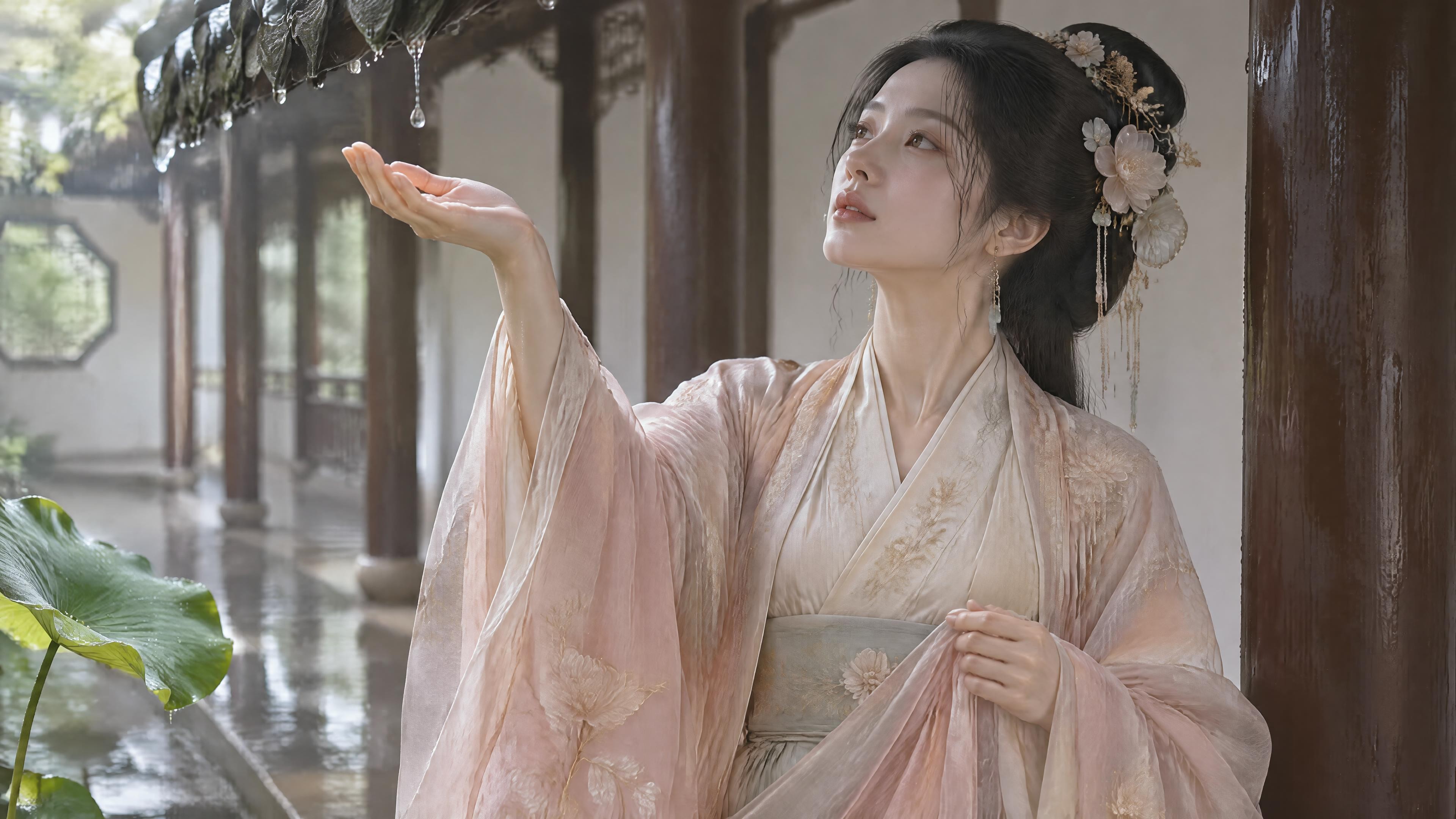
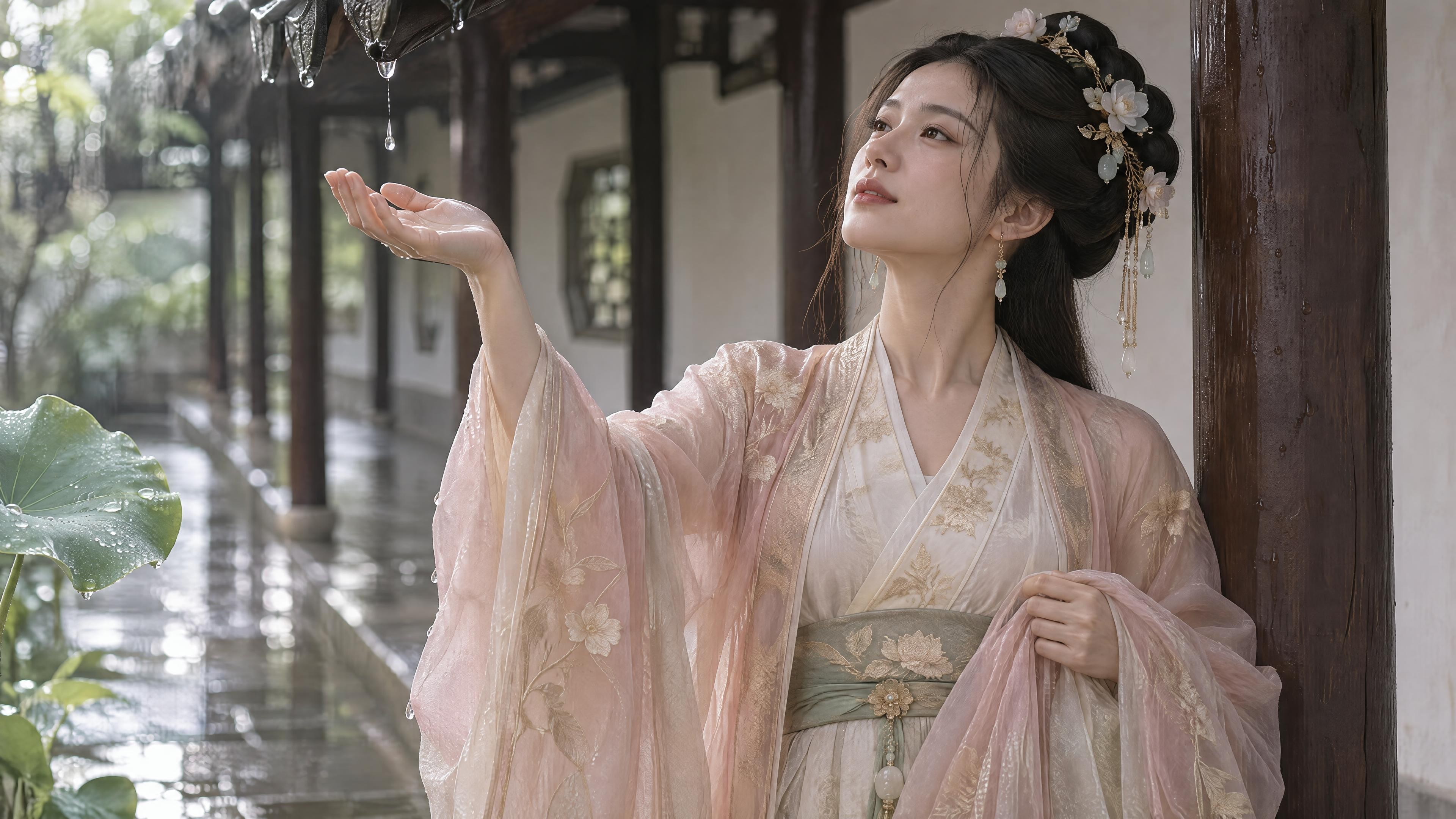
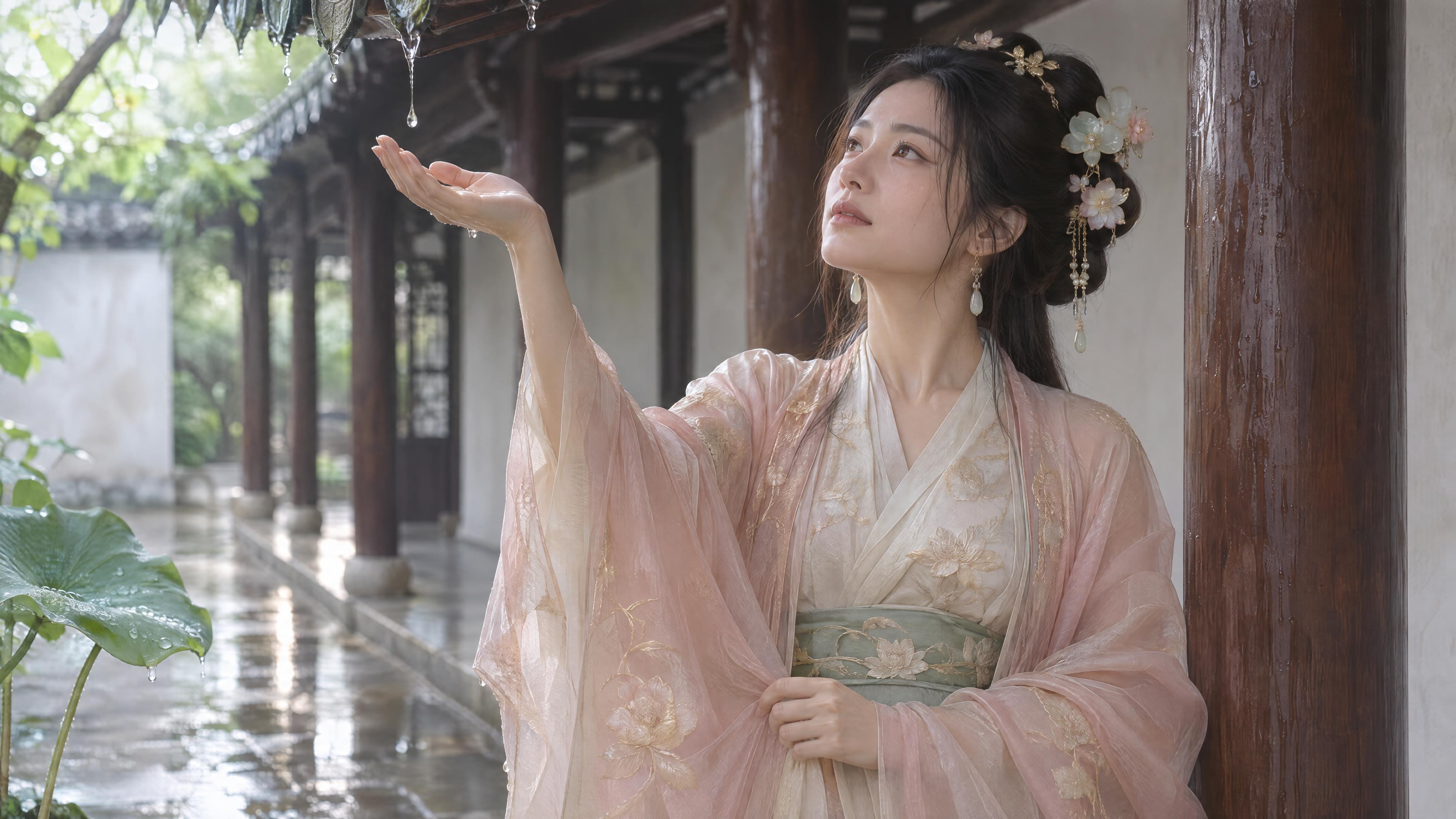
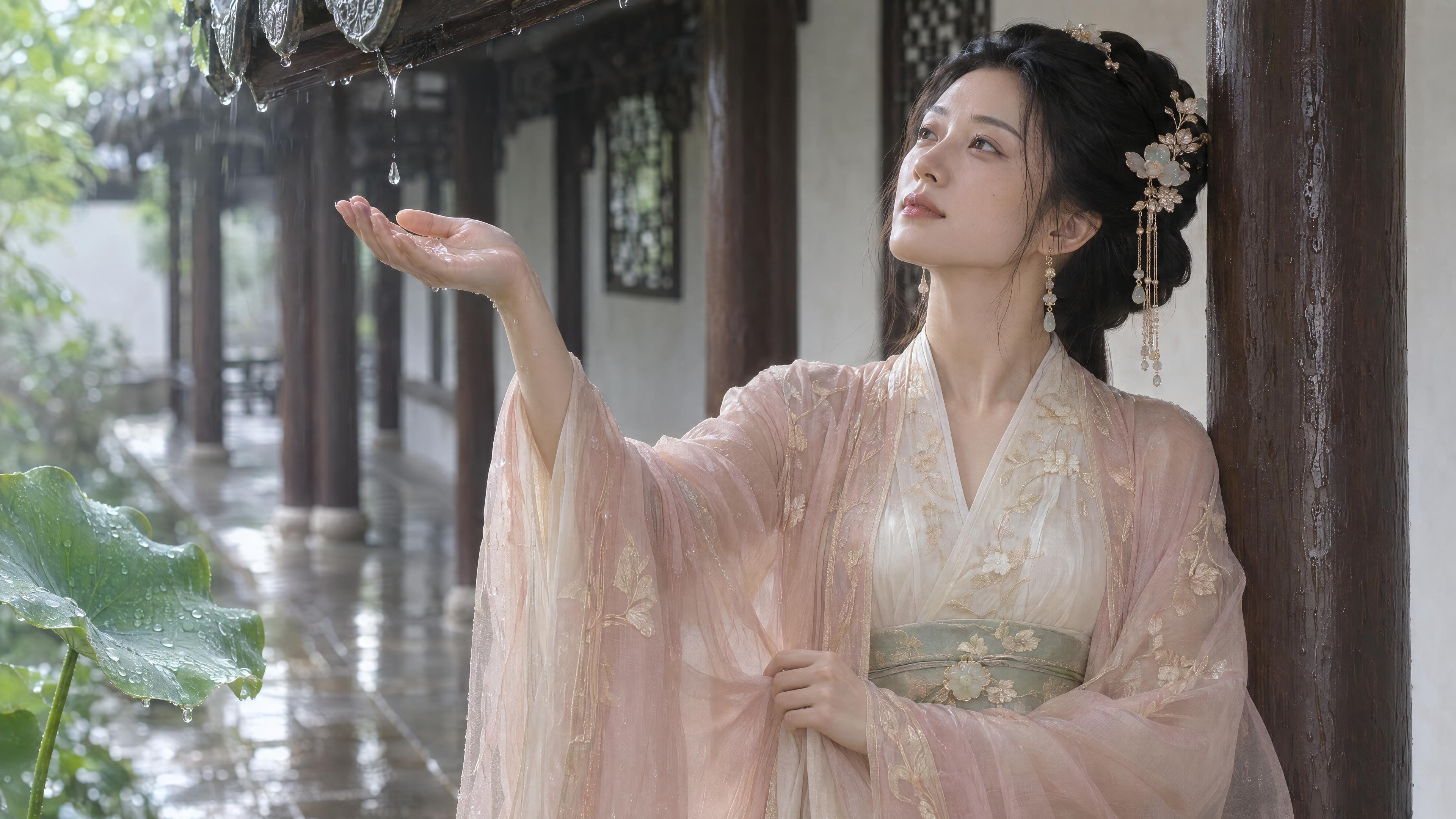
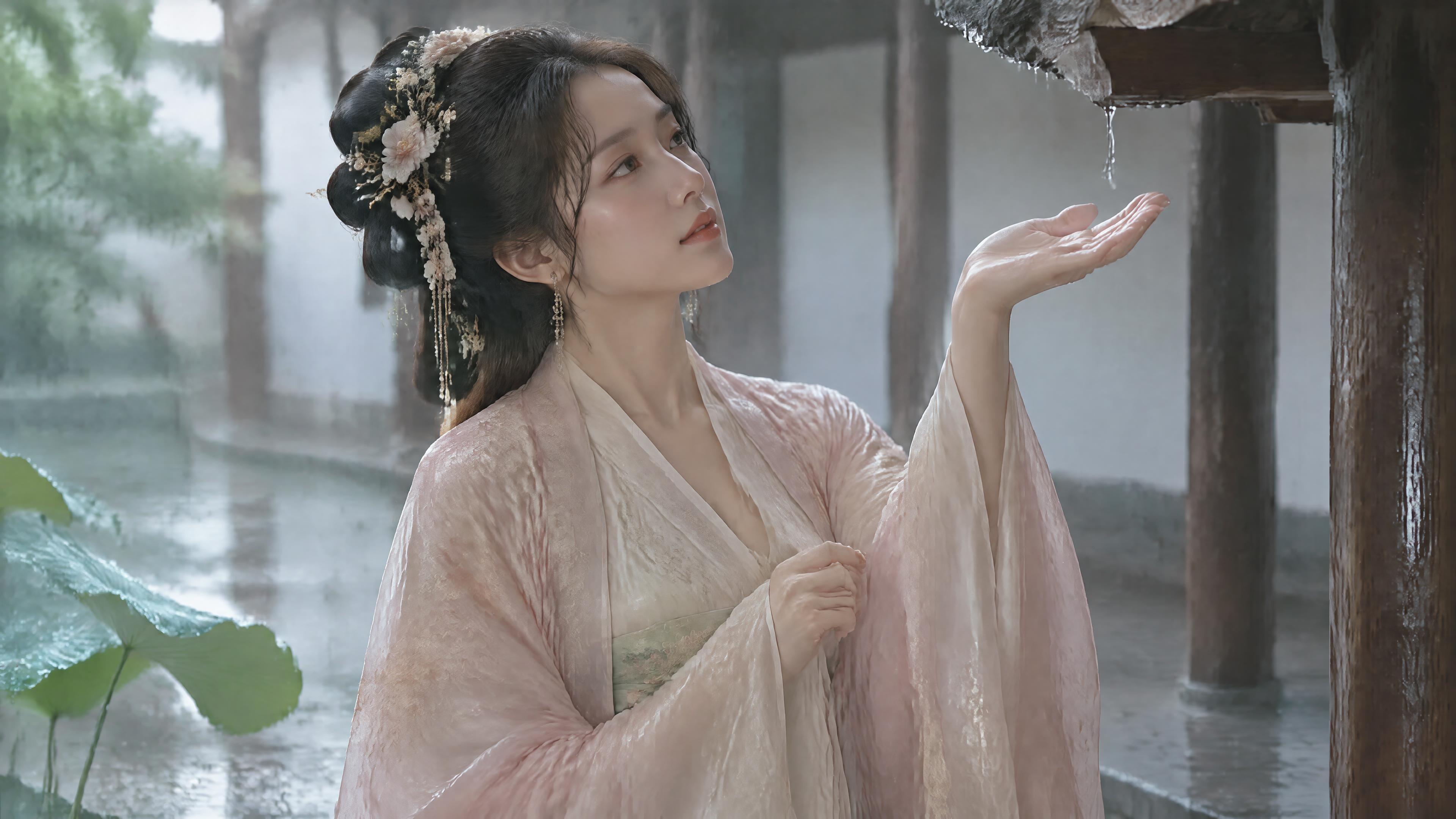
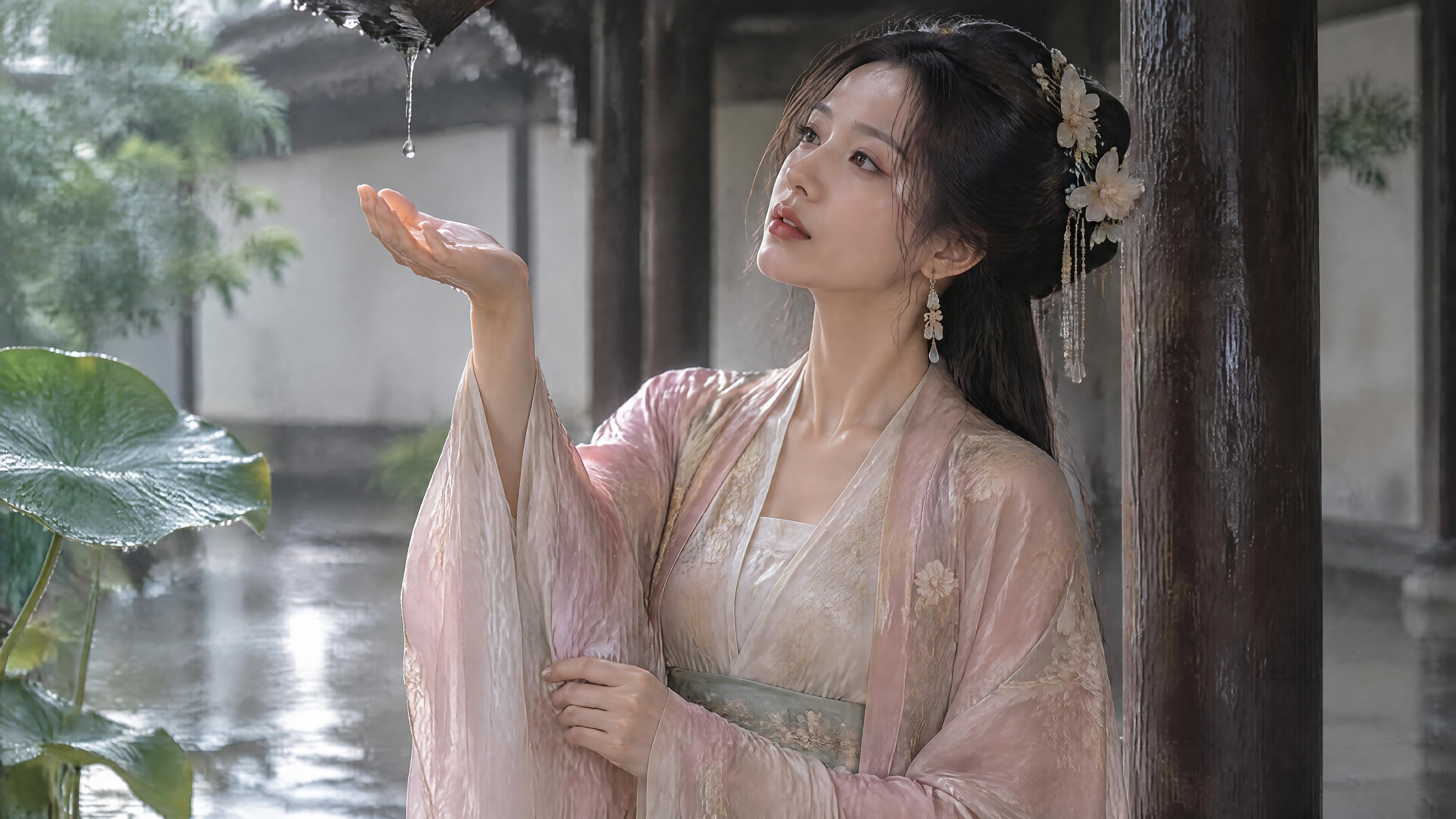
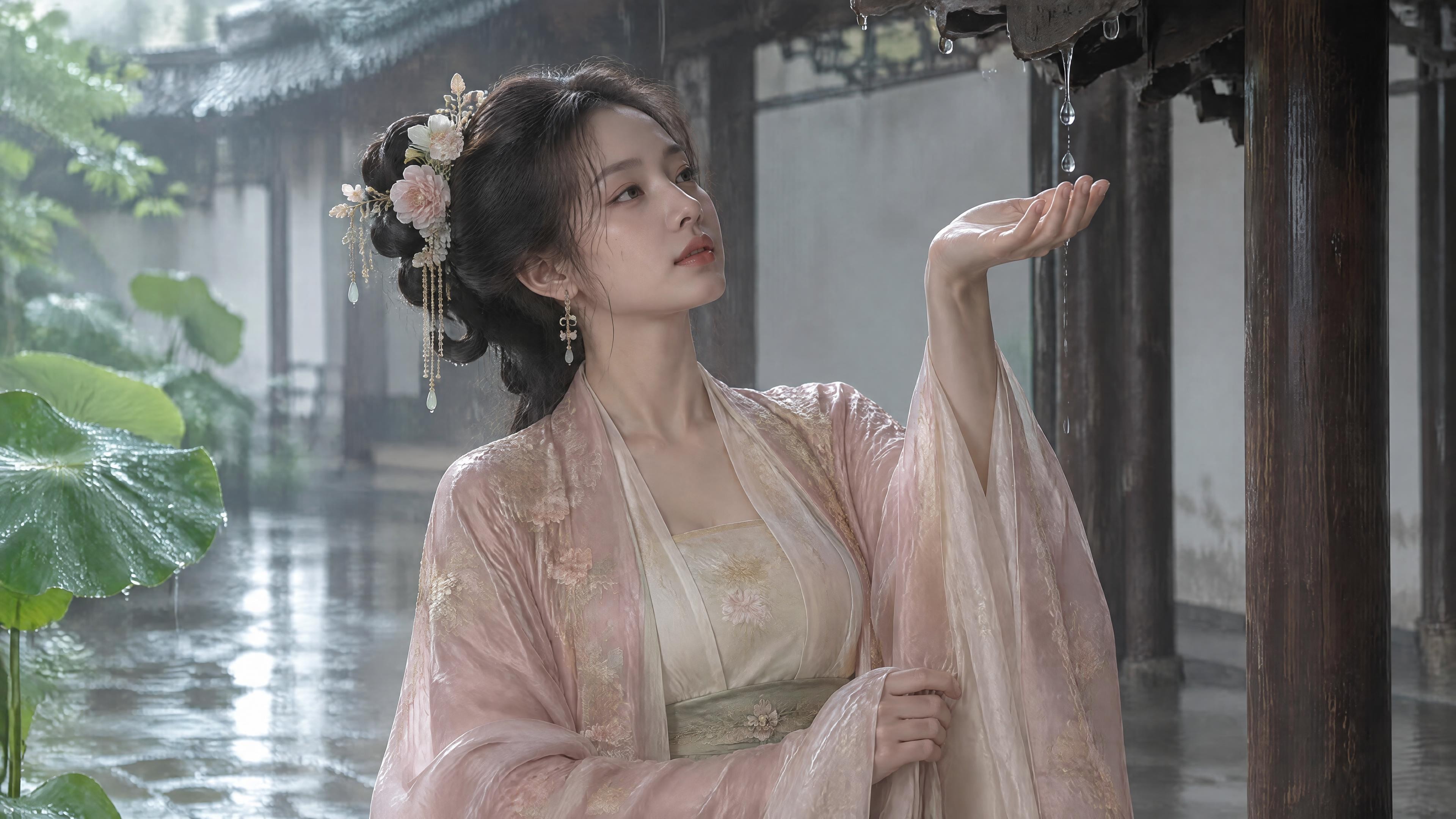
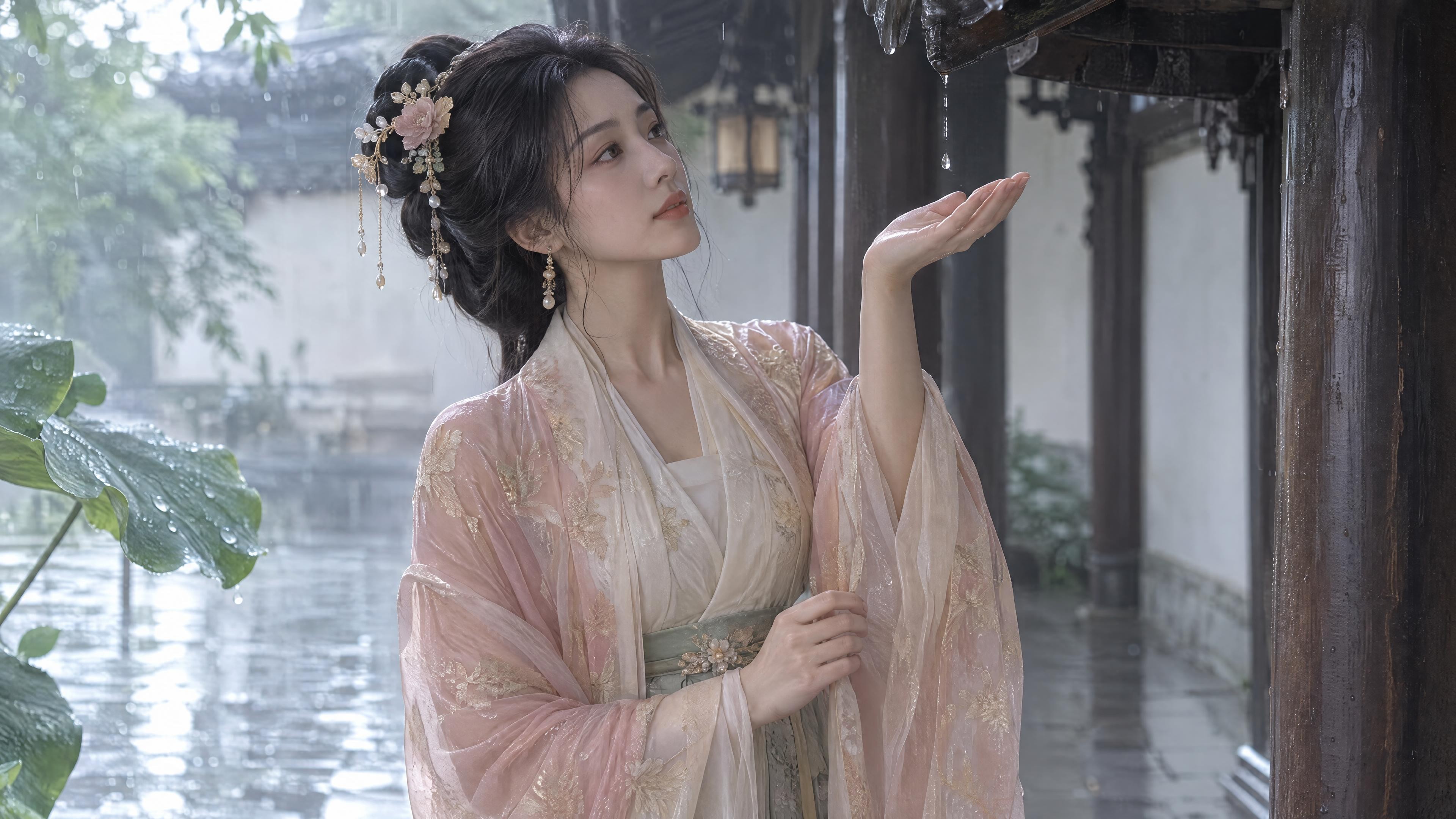
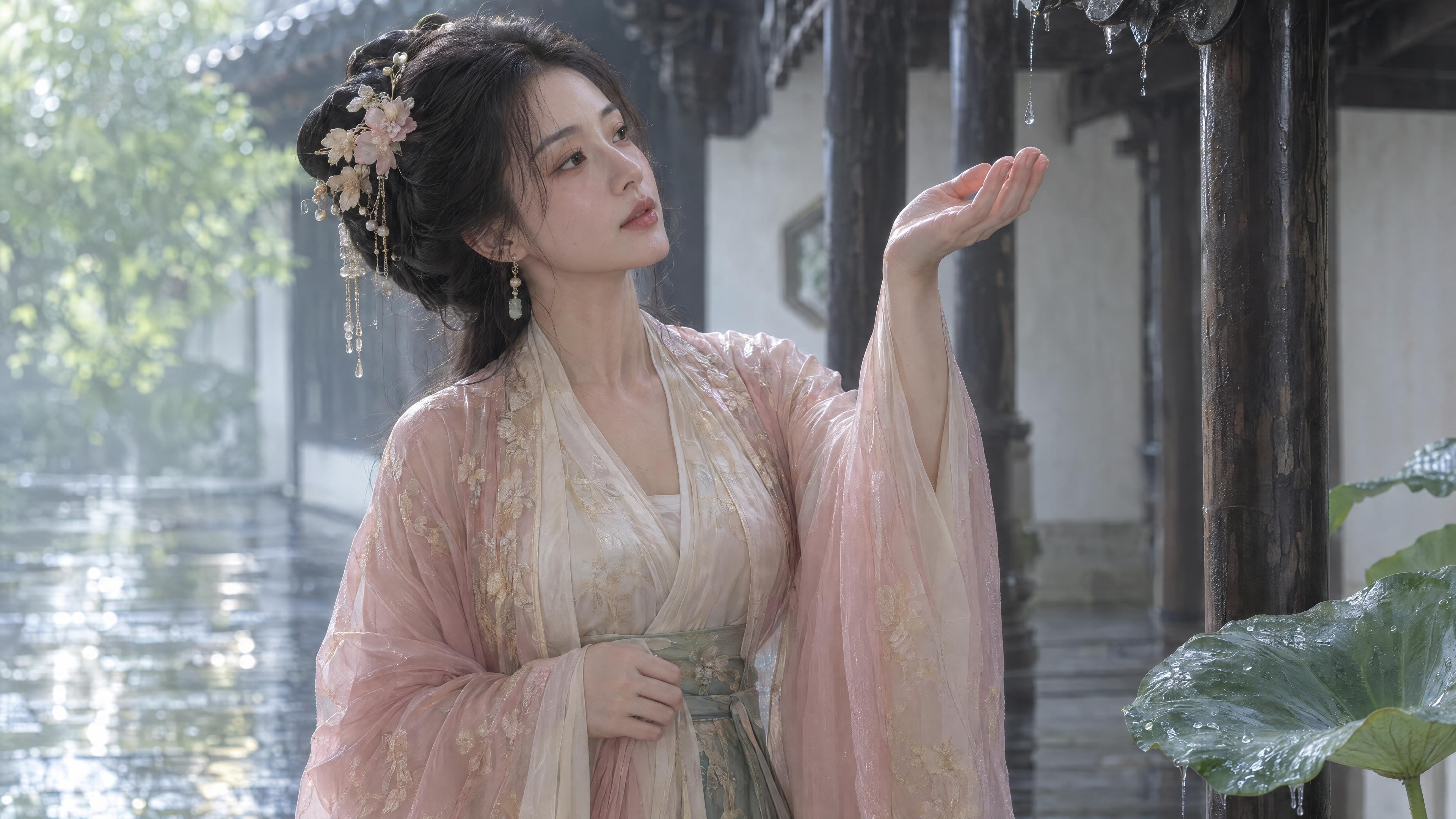
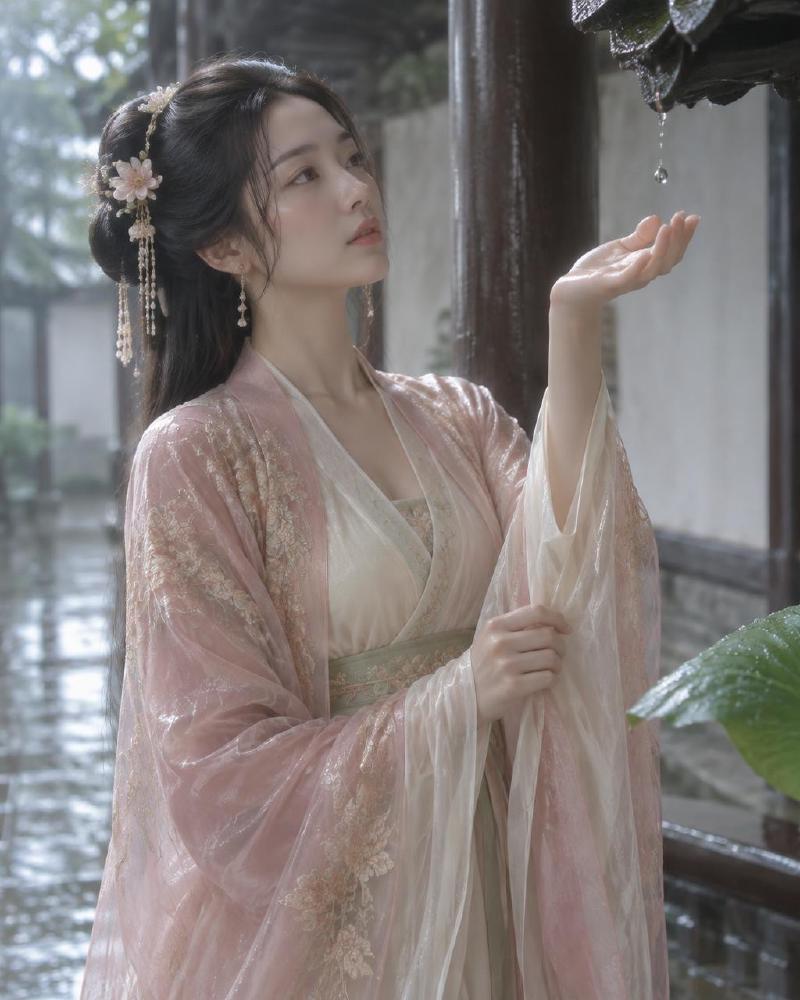
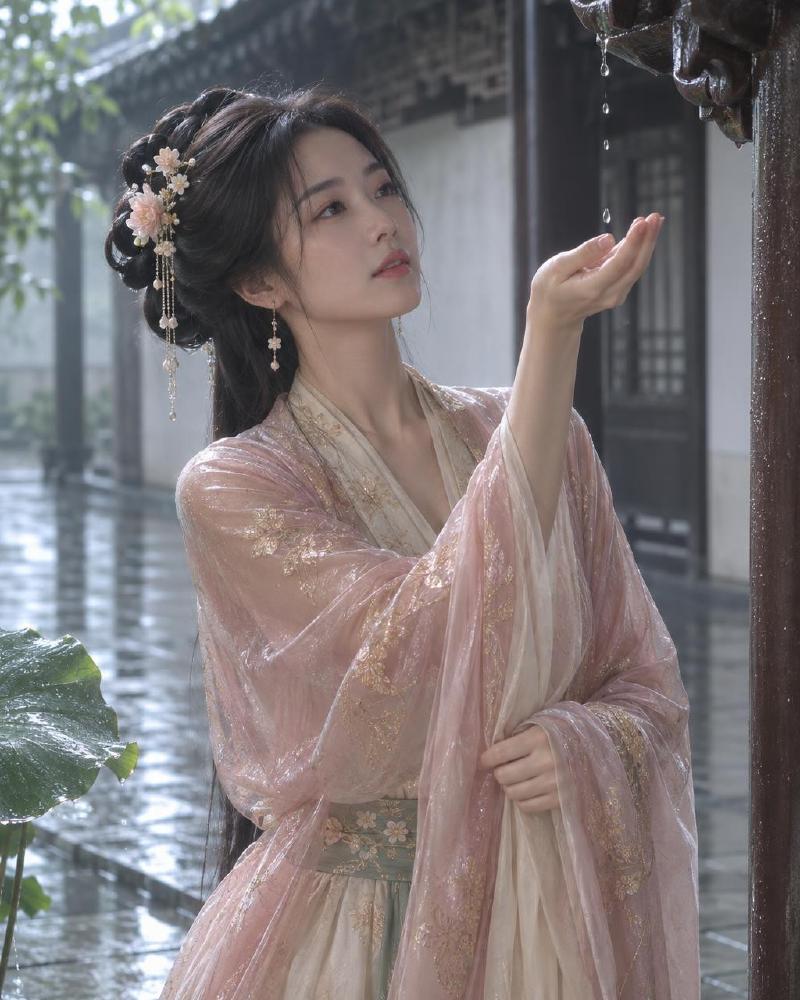
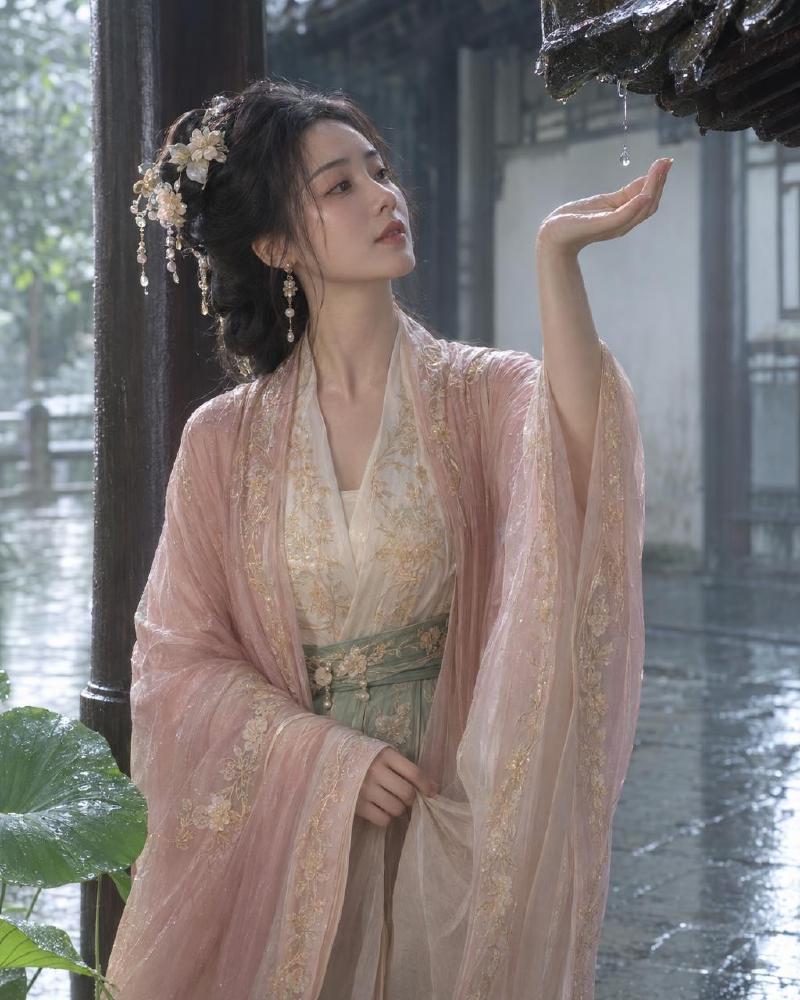
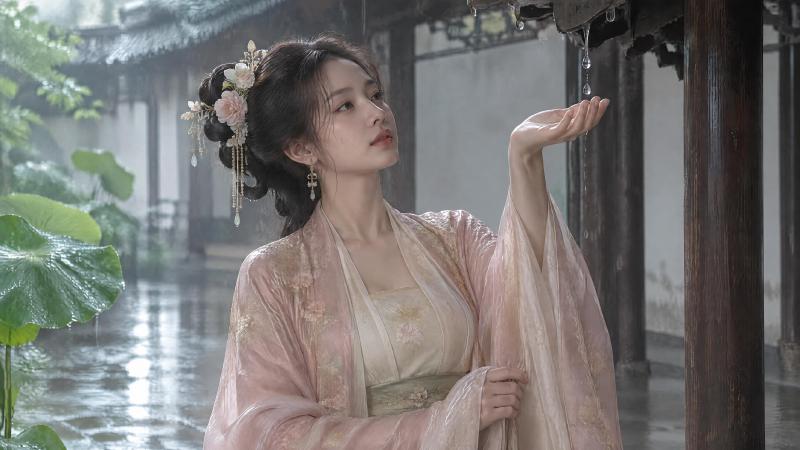
画面上两款都很听提示词:古风回廊、湿石板、深色木柱、荷叶、桃粉外衫和玉绿腰封都画出来了。Sunburst 更常把檐角滴下的雨珠画在掌心正上方,“接雨"这个动作更具体;Flare 人物更靠近镜头,背景雨丝更多。每格只出了一张,构图里有随机采样,不能当成模型的固定风格。
和 2.5 比:2.5 的 Image 2 不支持 xhigh 和 max,这次 2.6 两款都支持;2.5 那篇里 Flare 偏人物、Sunburst 偏场景的倾向,这次因为提示词把场景写得很简洁,差别不明显。
档位对照 #
下面每格是缩小图,点击打开原图。
1024×1280 #
| 模型 | low | medium | high | xhigh | max |
|---|---|---|---|---|---|
| openai/gpt-image-2.6-sunburst |
|
|
|
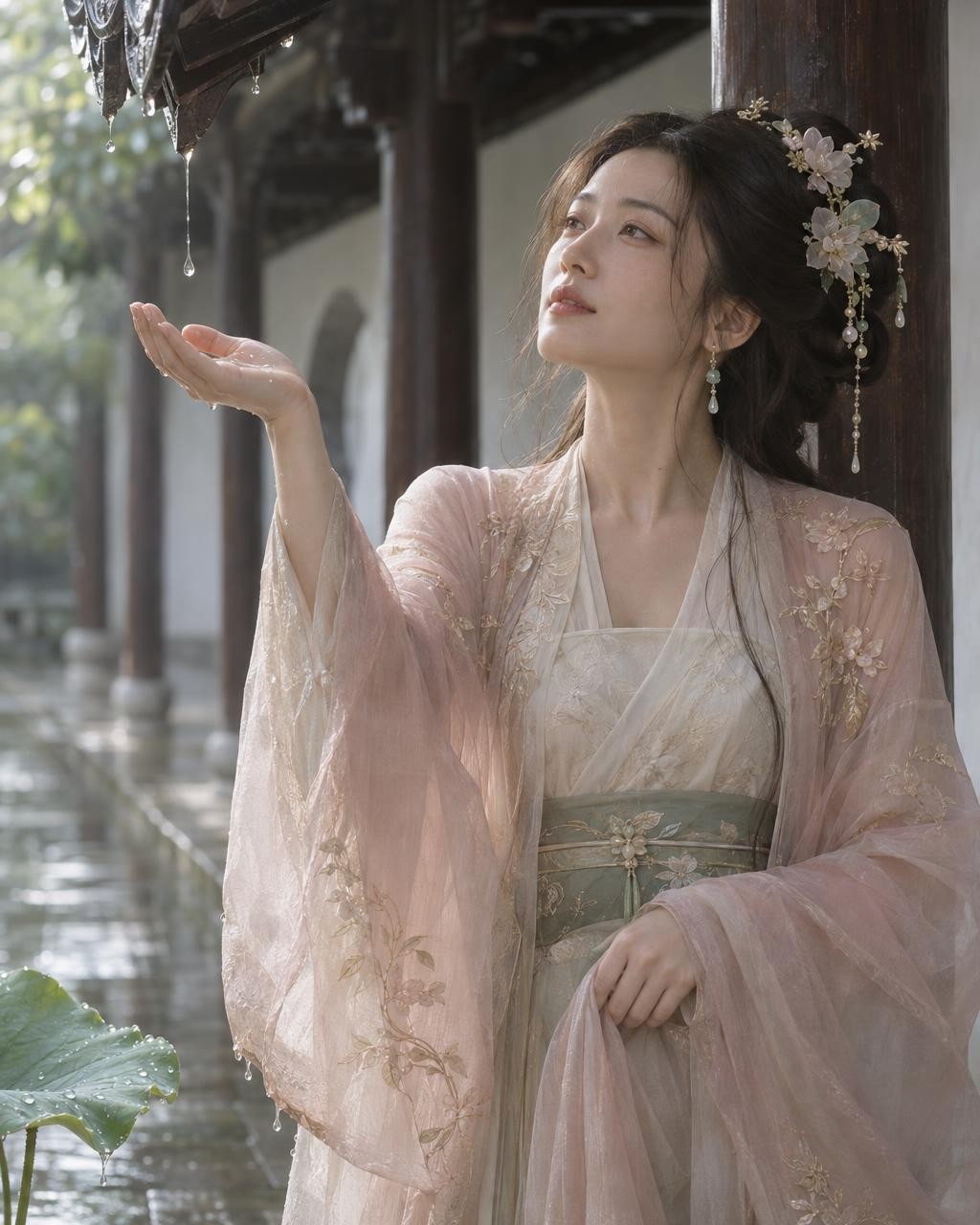
|
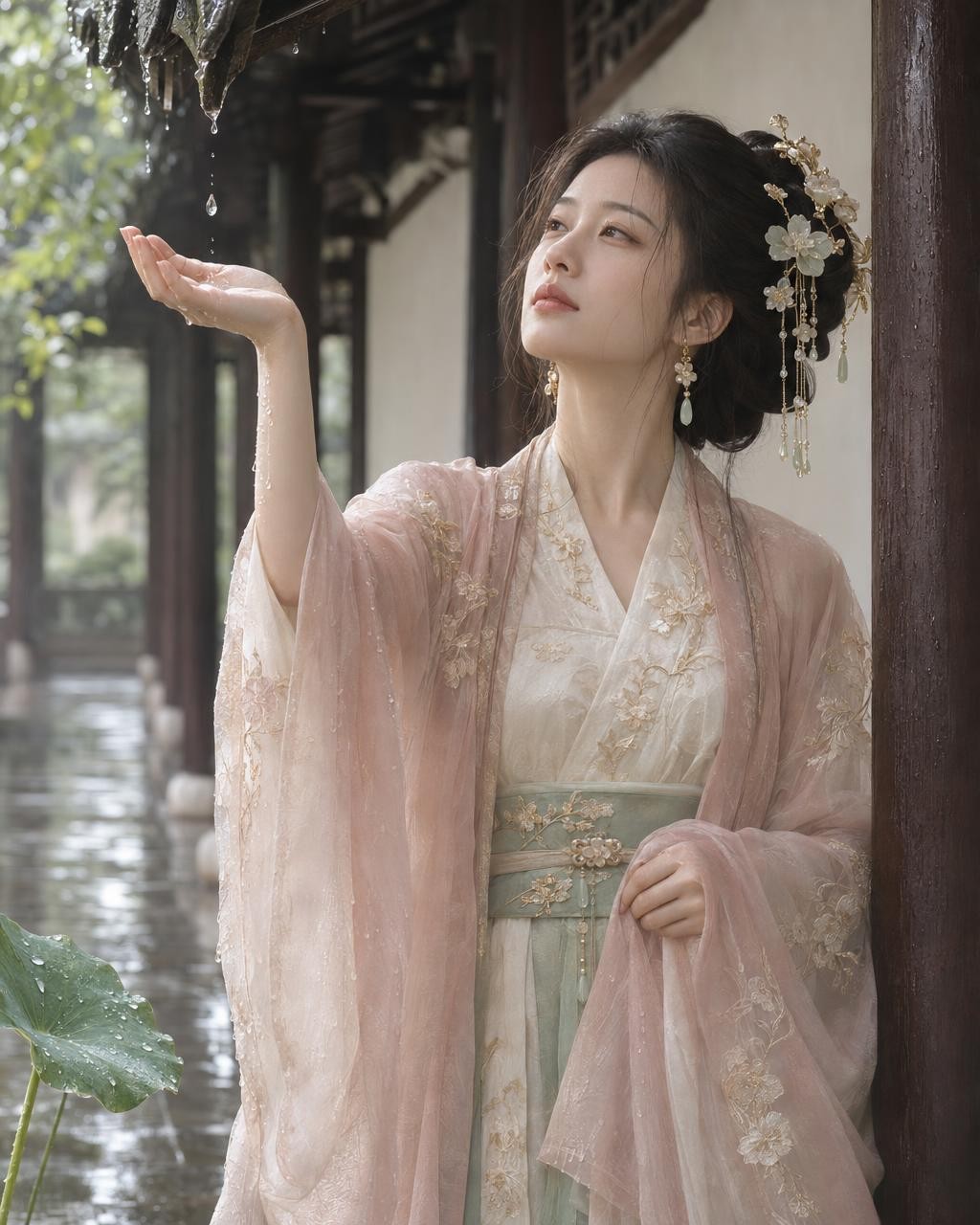
|
| openai/gpt-image-2.6-flare |
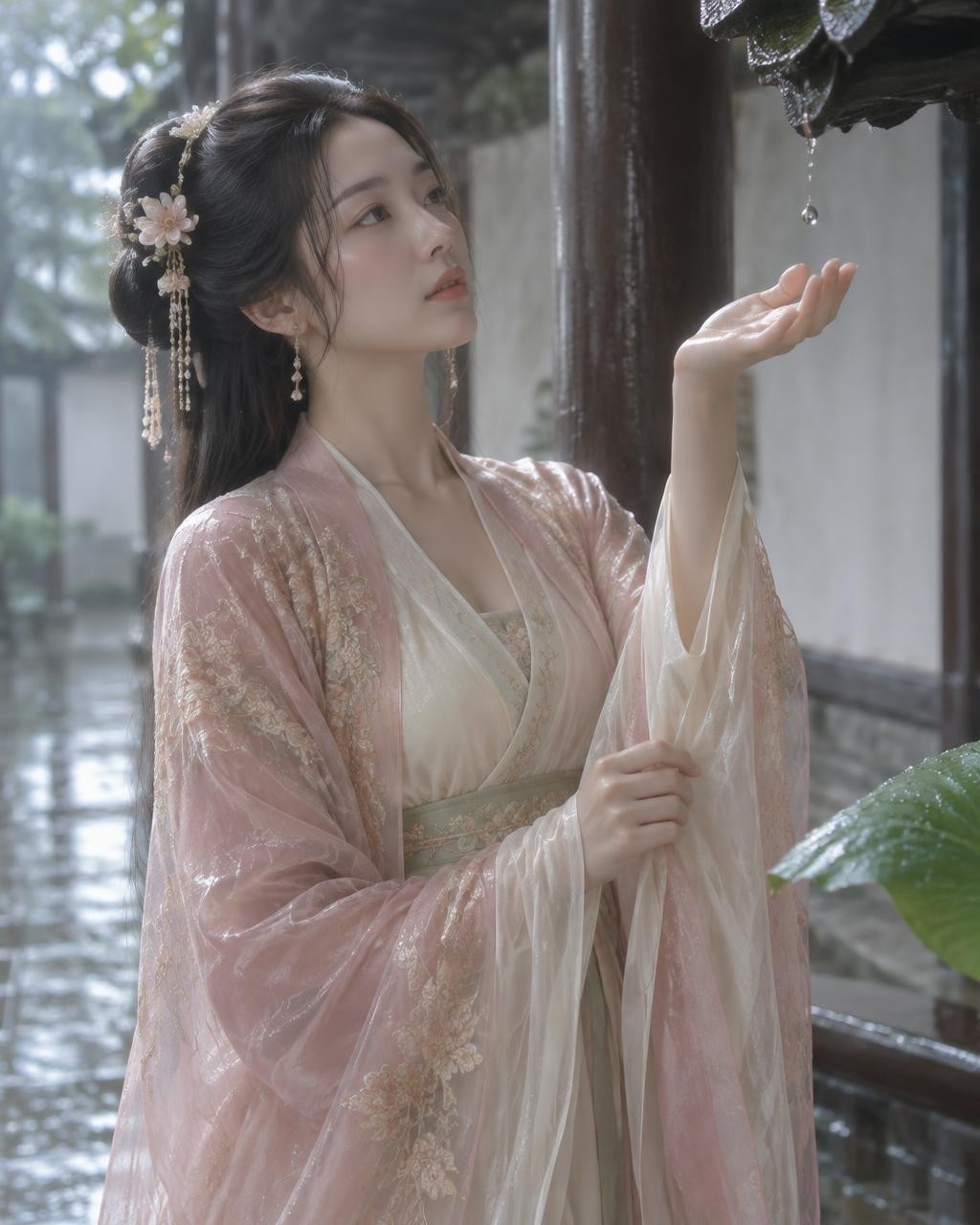
|
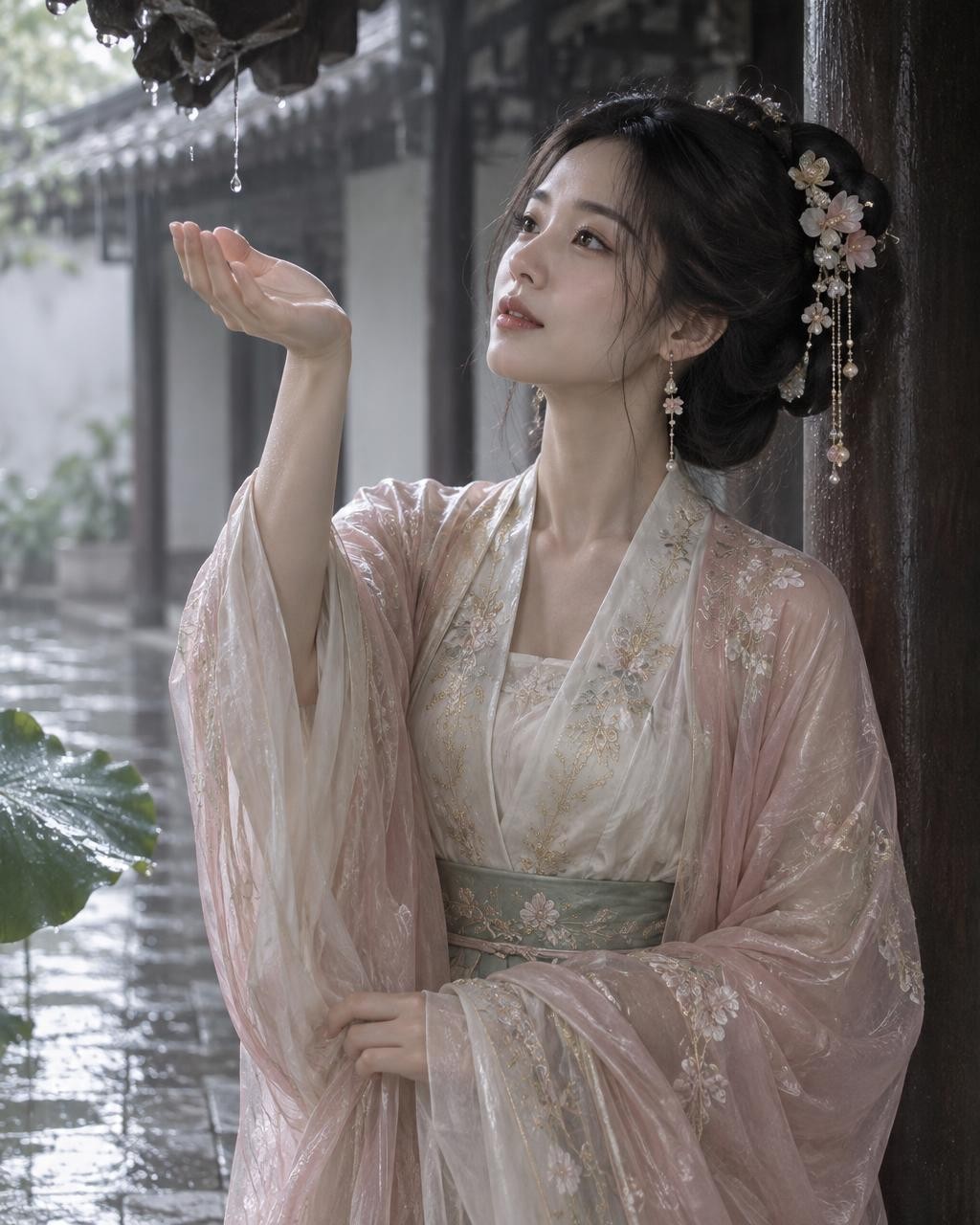
|
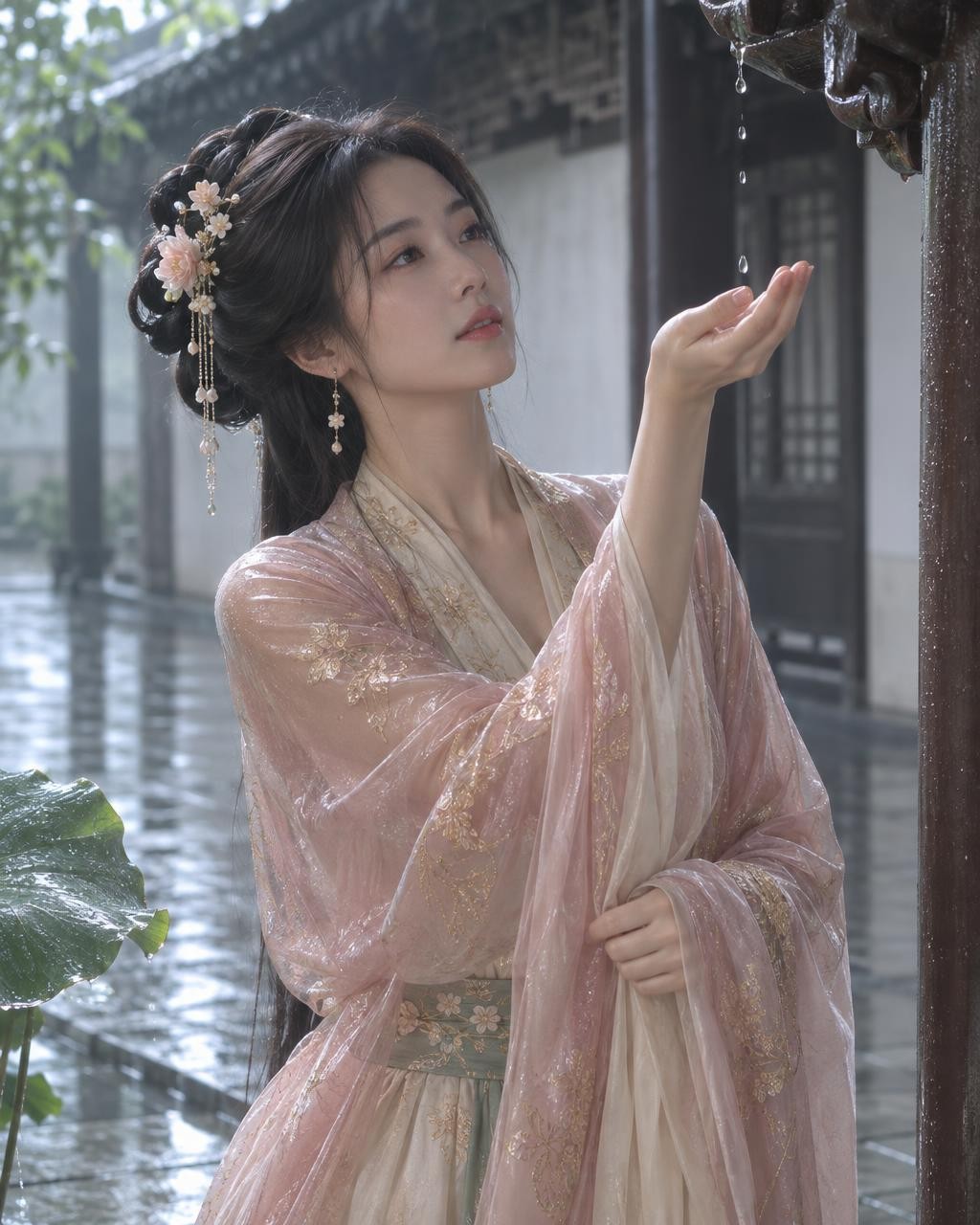
|
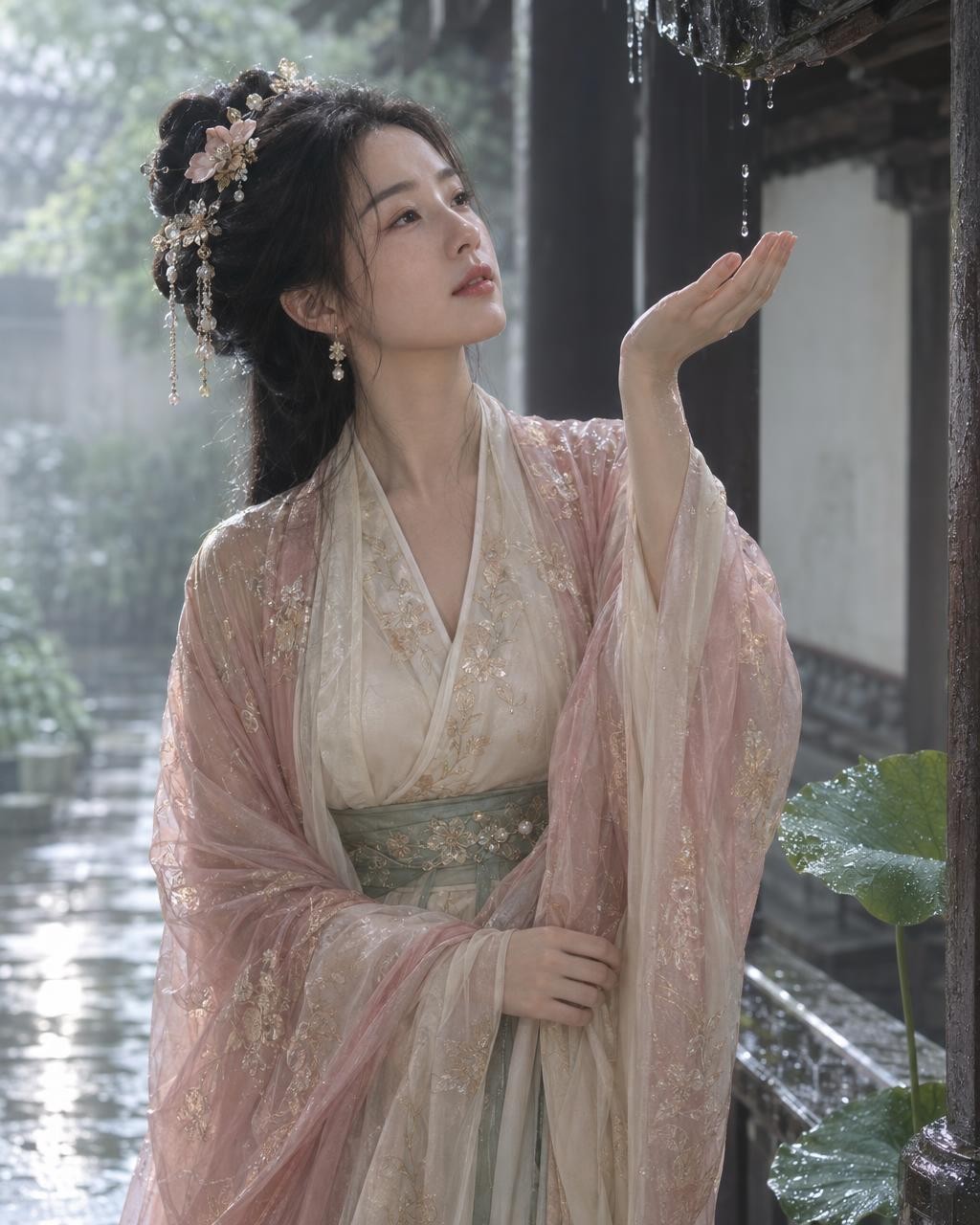
|
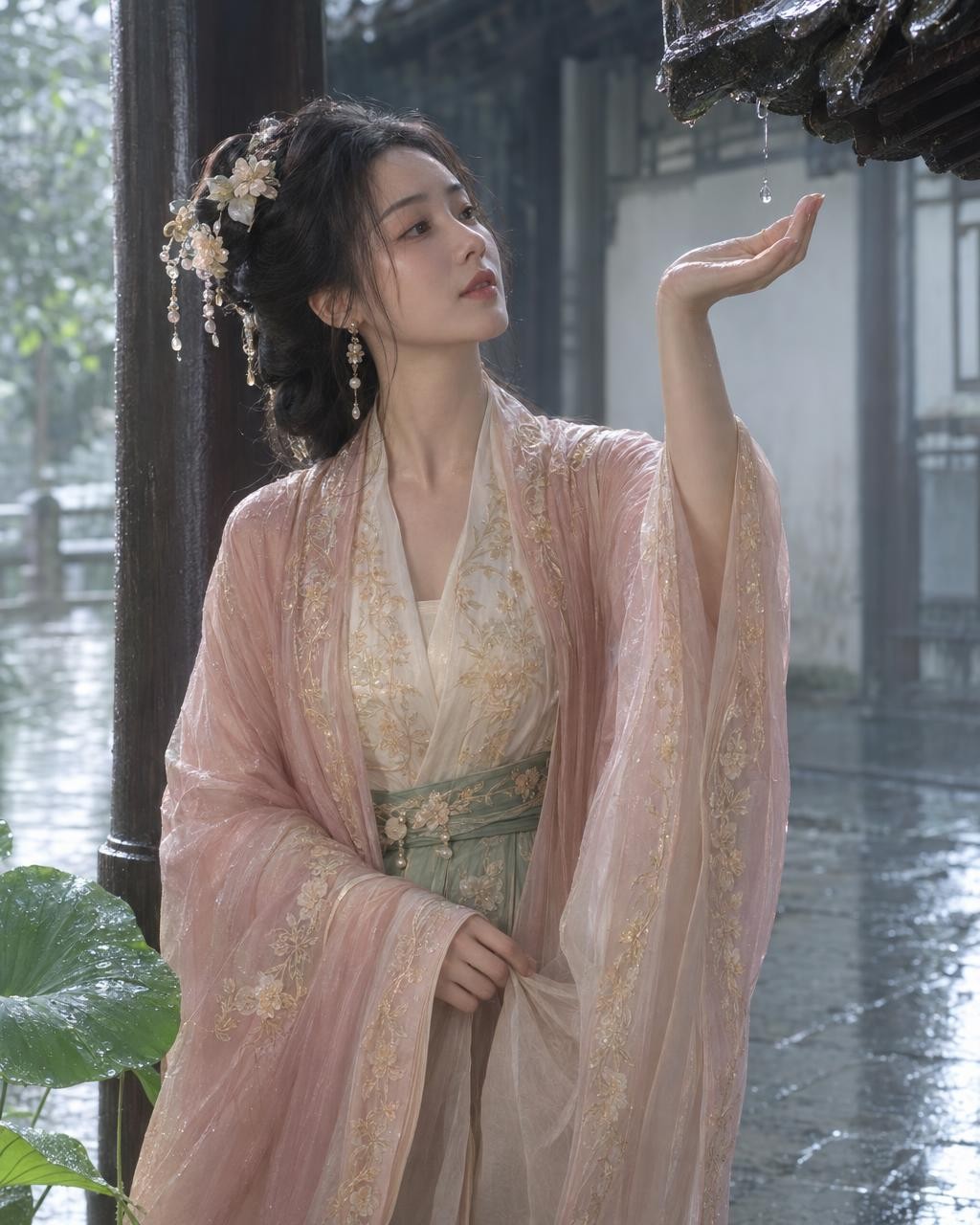
|
3840×2160 #
| 模型 | low | medium | high | xhigh | max |
|---|---|---|---|---|---|
| openai/gpt-image-2.6-sunburst |
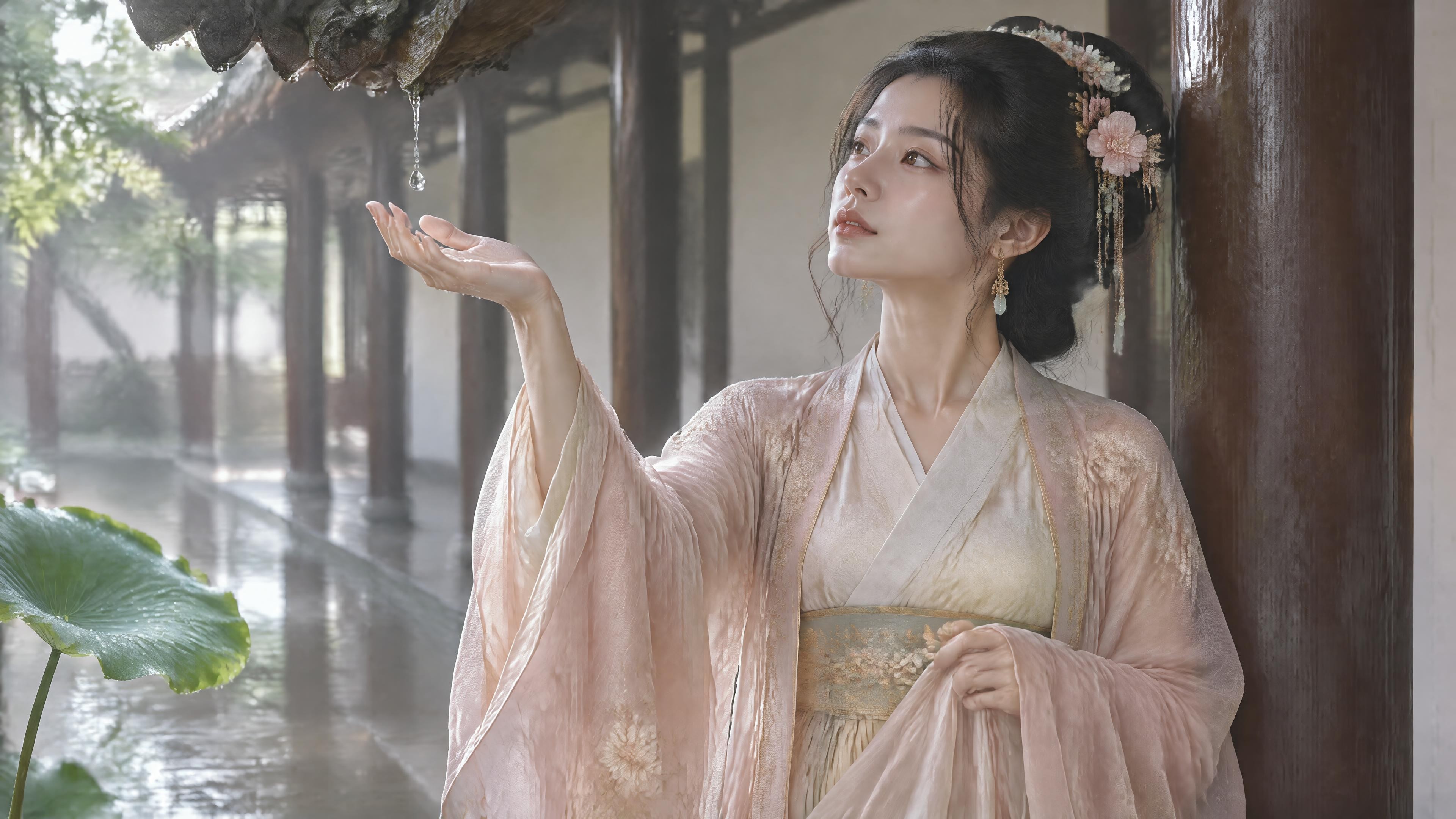
|
|
|
|
|
| openai/gpt-image-2.6-flare |
|
|
|
|
|
测试条件 #
- Key:Lucoo 官方 Key,请求发到
https://lucoo.ai/v1。 - 参数:
n=1,output_format=jpeg,output_compression=90。没有设置moderation=low。接口返回 base64,本地解码保存。 - 1024×1280 是 4:5 竖版,用提示词原文。3840×2160 是横版,只把原文第一句的"4:5竖版"改成"16:9横版”,其余一字未改。
- 每格一张,两款同时并行请求,耗时是单次请求从发出到收到完整响应的时间。
- 提示词原文:
生成一张独立的4:5竖版东方古风女性高级时尚 editorial 海报主视觉。明确成年的20–30岁东方女性,成熟温柔、带一点安静故事感,东方淡颜,真实肤质,不幼态。夏日阵雨刚停的古风回廊,湿润石板地面、深色木柱、浅色墙面、檐角垂落的雨珠和一枝被雨水打湿的荷叶,环境简洁。人物中近景三分之二身,站在廊柱旁,一只手轻轻接住檐角落下的一滴雨,另一只手收拢宽袖,头部微微抬起,视线落在雨珠上,只讲“接雨”这一个动作。服装为象牙白内衫、低饱和玉绿腰封、半透明淡桃粉外衫、香槟金刺绣与花玉发饰,衣料边缘带有轻微湿润后的重量感但不透明暴露。雨后柔和天光从左侧进入,湿地反光、皮肤高光和丝绸纹理自然可见,背景浅景深,整体清凉、安静、细腻。无文字、无logo、无水印、无现代物件;避免阴郁恐怖、湿身性感、夸张雨幕、坏手、额外手指、塑料皮肤和乱码。
耗时与 token #
输入都是约 337 个文本 token。输出 token 由尺寸和档位决定,两款基本一致:
| 尺寸 | 档位 | 输出 token | Sunburst 耗时 | Flare 耗时 |
|---|---|---|---|---|
| 1024×1280 | low | 727 | 22.2 s | 8.7 s |
| 1024×1280 | medium | 1,248 | 25.9 s | 8.0 s |
| 1024×1280 | high | 1,510 / 1,551 | 40.2 s | 9.9 s |
| 1024×1280 | xhigh | 2,702 | 65.0 s | 17.2 s |
| 1024×1280 | max | 6,119 | 117.6 s | 32.4 s |
| 3840×2160 | low | 1,559 | 28.2 s | 14.7 s |
| 3840×2160 | medium | 2,855 | 30.3 s | 15.3 s |
| 3840×2160 | high | 3,336 / 3,337 | 43.7 s | 17.6 s |
| 3840×2160 | xhigh | 5,930 | 63.5 s | 20.8 s |
| 3840×2160 | max | 13,342 | 100.6 s | 30.9 s |
官方价是每百万 token:文本输入 $5,图片输入 $8,图片输出 $30。按这个算,1024×1280 high 一张约 $0.05,4K high 约 $0.10,4K max 约 $0.40。这次 20 张合计约 $2.4。
1024×1280 #
low 已经能看清构图、服装配色和回廊。往上加档,变化主要在刺绣、发饰花玉、外衫纱料纹理和地面反光,人物姿势和构图不会换成另一张画。max 的输出 token 是 high 的 4 倍,但缩小看和 high 差别不大,放大才看得出发饰和刺绣更细。
Sunburst #
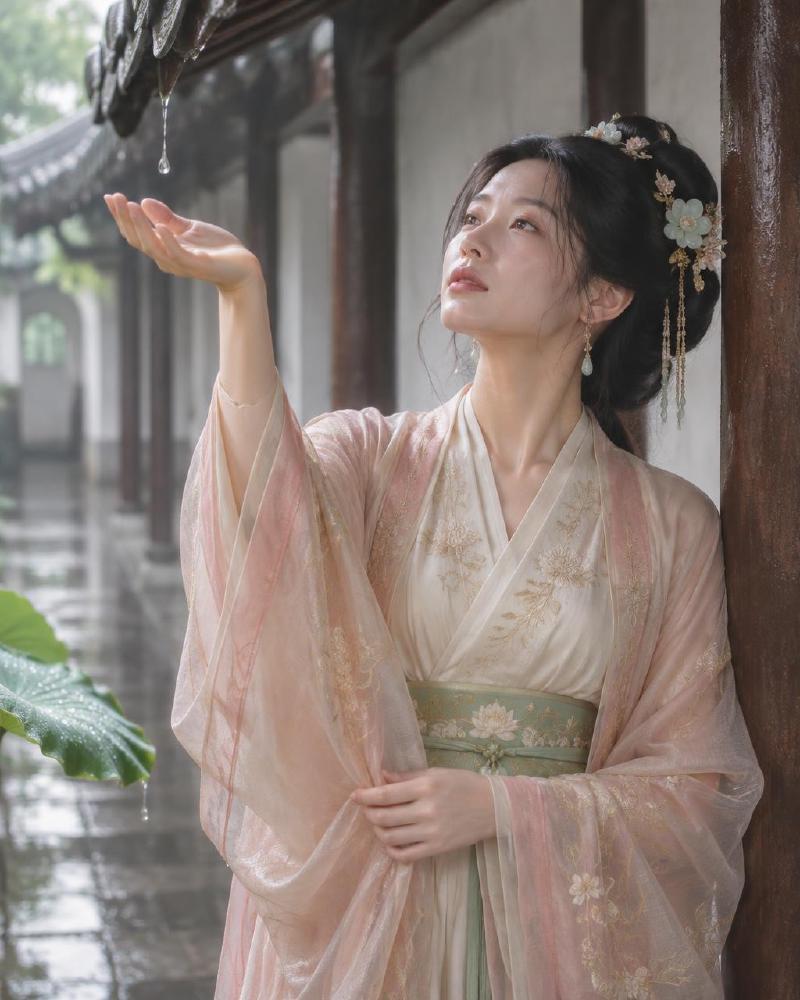
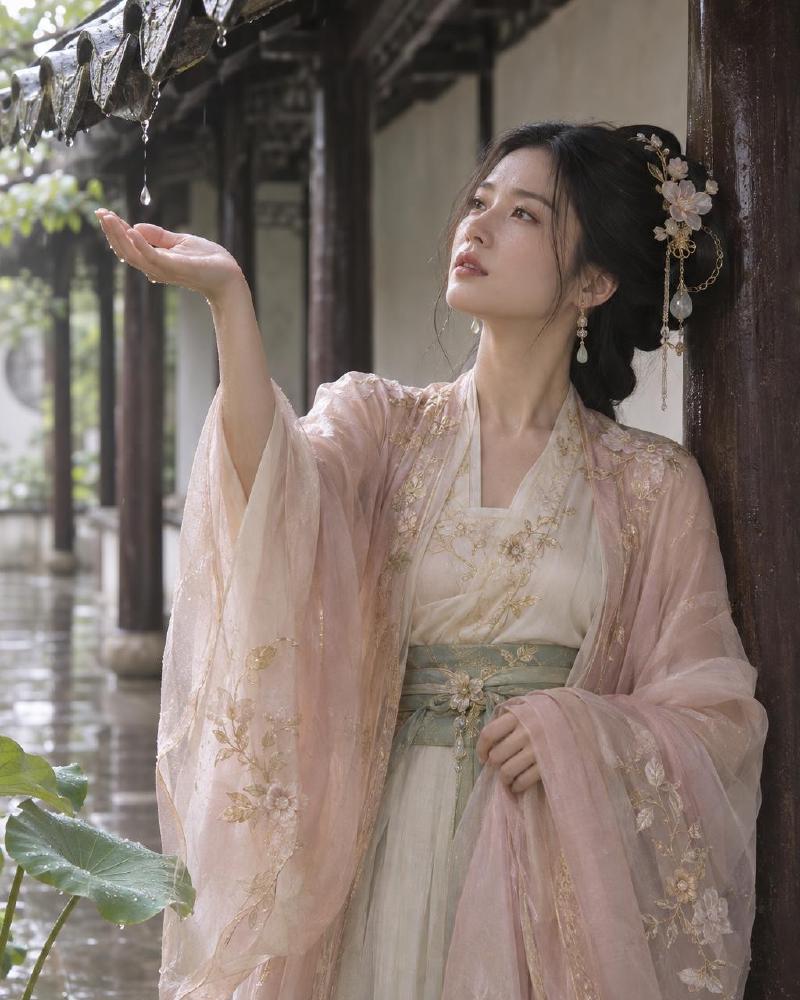
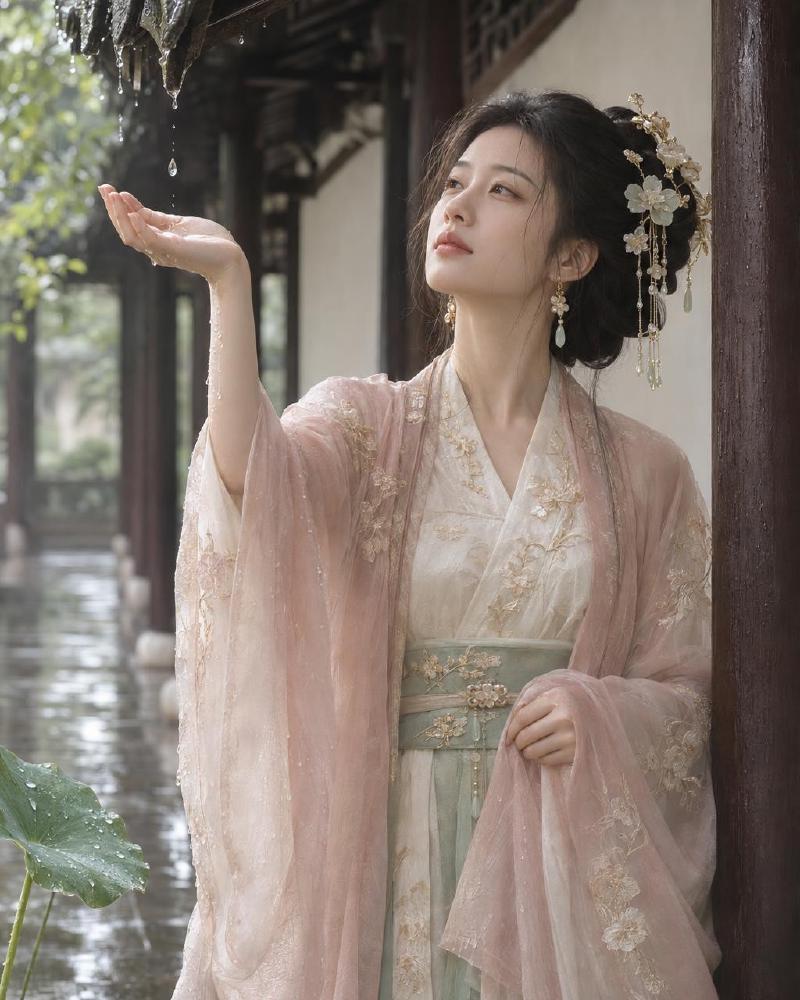
Flare #
3840×2160 #
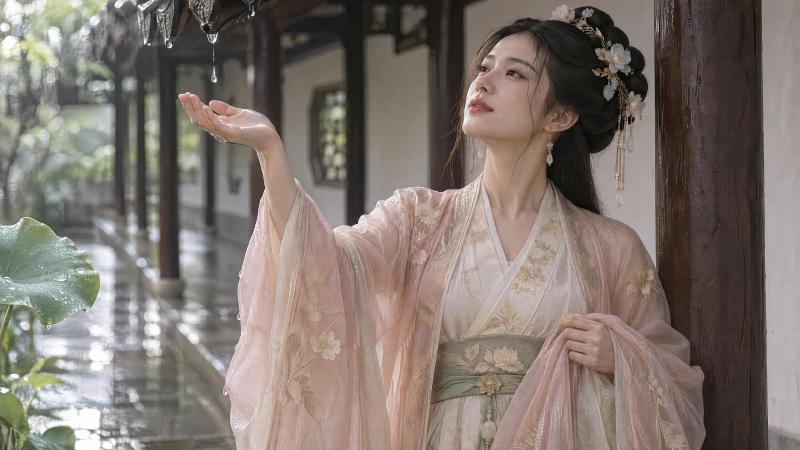
横版 4K 下,两款都把人物放在画面一侧,另一侧留出回廊纵深。Flare 的背景雨丝明显更密,接近提示词里想避开的"雨幕";Sunburst 的雨更克制。手部在这次 20 张里没有看到多指或明显变形,衣料也没有出现暴露。JPEG 压缩质量 90,文件大小不代表画质档位。
怎么选 #
- 草稿看构图:1024,
quality=low,Flare 不到 10 秒。 - 日常成图:
quality=high。要快选 Flare,要动作更贴提示词可以试 Sunburst。 - 需要 4K 文件:
size=3840x2160,仍写 high。 - 只在发饰、刺绣需要再抠一层时才用 xhigh 或 max,费用会到 high 的 2–4 倍,Sunburst 还要等一到两分钟。